
Resource — virtual & hybrid

VIRTUAL AND HYBRID FACILITATION TECHNIQUES

Virtual facilitation is a different craft, not the same session on a screen. Pacing, interaction and presence all have to change, because the things that carry a physical room — energy, peripheral vision, the natural cost of visibly disengaging — simply aren't there. The techniques below are the adjustments that matter most.

Why it's harder

ONLINE, NOTHING CARRIES THE ROOM FOR YOU.

In a room you get feedback constantly and for free: posture, glances, side conversations, who's leaning in. Online you get a grid of faces at best, and everyone attends alongside their inbox. Disengaging costs nothing and shows up as nothing — so participation has to be designed rather than invited.

The five pillars of the Facilitation Alive Standard don't change online. How you deliver each one does.

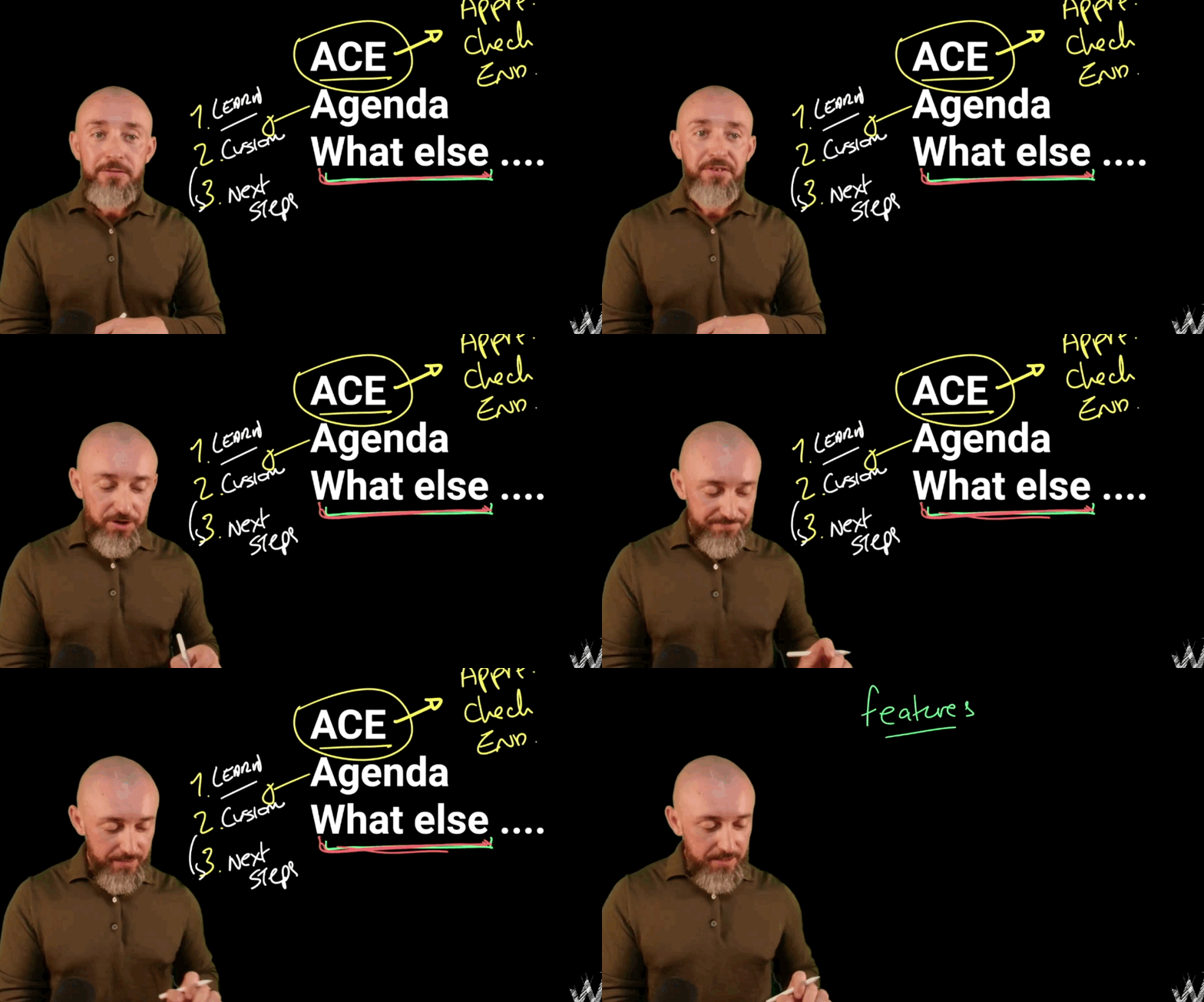
Shane McGrath running a structured session with a live group
Structure, said out loud

The techniques

FIVE VIRTUAL FACILITATION TECHNIQUES THAT MAKE THE DIFFERENCE.

01

Shorten the blocks between interaction

Attention decays faster online, and there's no room energy to carry people through a long stretch of input. Whatever your in-person rhythm is, roughly halve it: aim for something the group does every five to eight minutes. That doesn't mean more activities crammed in — it means smaller units of input, each followed by a poll, a chat response, a pair or a short task.

02

Use chat, reactions and polls deliberately

Online tools are usually treated as a side channel to monitor. Used deliberately they're the fastest participation mechanism you have: everyone answers at once, in writing, without waiting for a turn. Ask a specific question, say where the answer goes, wait for the responses, then read some out loud and build on them — otherwise people learn that contributing to chat achieves nothing.

03

Design breakout rooms properly

Breakouts are where real work happens online, and they fail for predictable reasons: the task was verbal, the output was vague, and nobody knew how long they had. Put the task in writing where people can see it inside the room, name the output, say the time, and tell them what they'll report back. Small groups of three or four; four minutes is often enough.

04

Over-communicate the structure

In a room, people read the walls, the layout and your body language to know where they are. Online they can read none of it, so say it: where you are in the session, what's happening next, how long this part takes, and how you want input. Repeat it more than feels necessary — the cost of over-signposting is a few seconds; the cost of a group not knowing where they are is disengagement you can't see.

05

Run hybrid as one room, not two

Hybrid is harder than either format because the default outcome is a two-tier session: in-person people converse freely while remote participants watch. Counteract it deliberately — take remote contributions first, run pairs and breakouts in mixed or fully-online groups, put everything in a shared digital space rather than on the physical wall, and use a second screen and second facilitator or host so remote hands are actually seen. If you can't do that, consider making the session fully virtual instead; equal is better than convenient.

Presence on camera

HOW PRESENCE WORKS THROUGH A SCREEN.

Set yourself up properly

Camera at eye level, light on your face, clear audio. Not vanity — it's the difference between a facilitator people can read and a small dark rectangle they stop looking at. Sound matters most: poor audio is exhausting within minutes.

Slow down and land things

Online speech needs more space around it. Pause after questions for longer than feels natural, allow for lag, and let people finish. Speed reads as nerves through a camera far more than it does in a room.

Use names constantly

Names do the work eye contact does in person. Name people to invite input, to credit a contribution, and to bring a quiet participant in without putting them on the spot.

Questions

COMMON QUESTIONS.

Keep reading

RELATED READING.

How to facilitate a workshop

The five fundamentals that apply in any format, and what each means in practice.

Designing the session

Design backwards from the outcome — the part that matters even more online.

Bring in a facilitator

Virtual and in person, from small groups through to large audiences.

ONLINE IS WHERE WEAK FACILITATION SHOWS FASTEST.

Facilitation training develops the craft in the formats you actually deliver in — virtual, in person, or both.